.svg)
Table of Contents
Sending text messages from a computer is an incredibly useful practice. Whether you are a business owner or an individual, or if you work in marketing and are looking to boost your sales, there is one simple solution: sending professional messages from your computer. Sending SMS via PC is a widely adopted practice among professionals. For advertising or informational campaigns, nothing beats text messaging. This modern strategy has become an essential tool for every marketer. But how does it work? Here is everything you need to know about sending mobile messages from a computer via email or other methods.
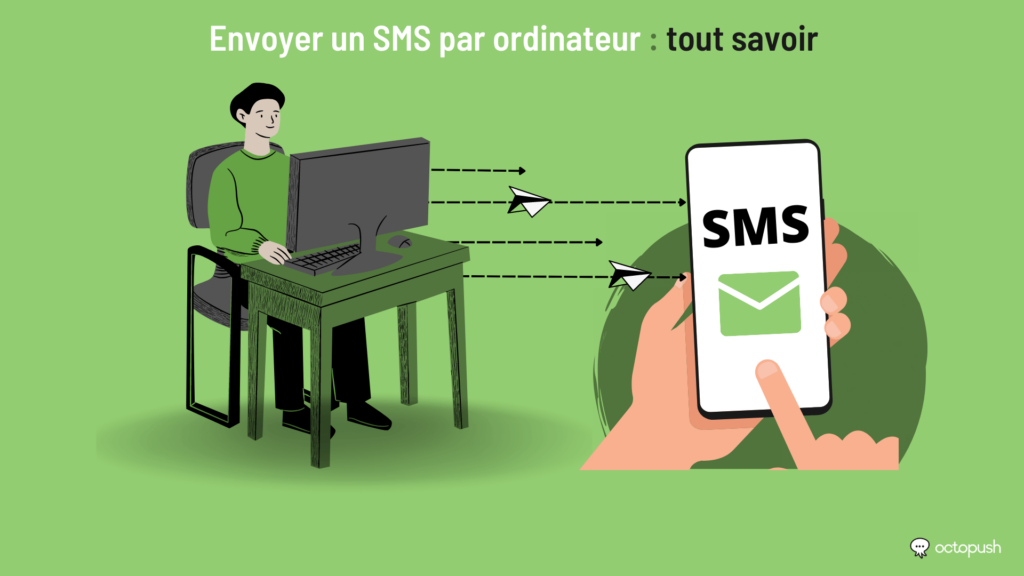
Sending professional mobile SMS to a phone via the Internet
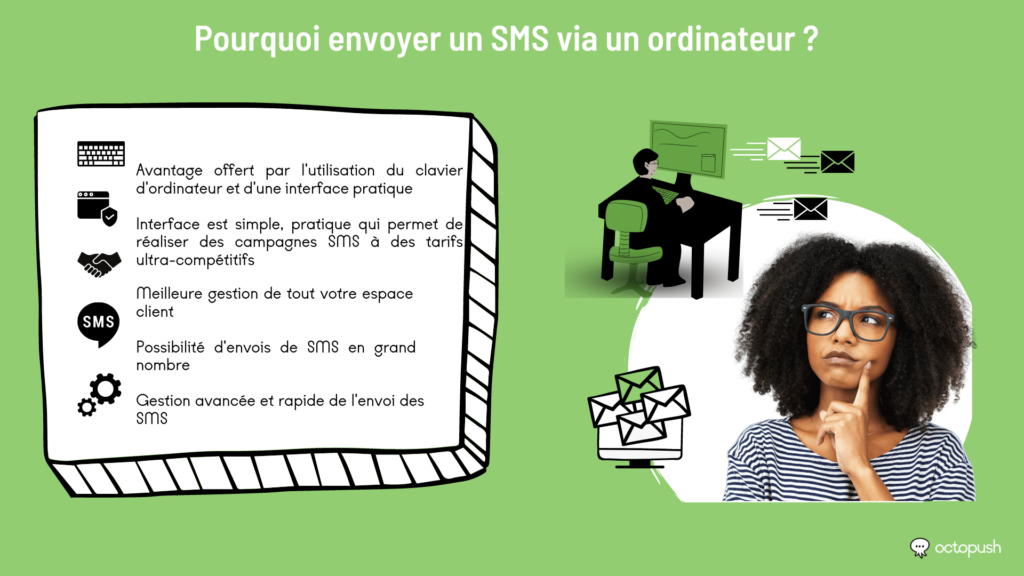
Thanks to online SMS services, you can enjoy absolute convenience. For instance, you benefit from the ease of using a computer keyboard and a dedicated interface. This interface is simple, practical, and allows you to run message campaigns at highly competitive rates through a single service. In just a few clicks, you can send and manage mobile messaging campaigns with advanced features.
Furthermore, this strategy allows you to manage your entire client database. Whether they are collaborators, prospects, or existing clients, you can categorize them into various lists. These lists will be very useful for structuring your message distribution.
Sending professional text messages from a computer is also a way to run mobile messaging campaigns. The technique is simple: install software or sign up for a dedicated platform and create a contact list. Then, you can send messages to their phones simultaneously. Naturally, any professional—regardless of prior experience—can use this to promote their services.
You can also schedule messages by setting a specific start time or date. You have the ability to create, import, and manage all your lists while tracking the progress of your campaigns. The result? You will receive a delivery report notifying you once the campaign has concluded.
Moreover, as a professional, you can send large volumes of text messages to phones from your computer. Simply target your contact base and include events that are relevant to them. Promotions, private sales, or special event days are always well-received.
How do you send a professional message from a computer email account?
Email can be used to send SMS by following a few simple steps. For example, you can open your email client and fill in the required fields. Instead of an email address, you simply enter your contact's phone number in the recipient field.
As both an individual and a professional, you have the ability to personalize your messages—even via email—keeping all your messaging centralized in one place. To do this, target a specific group of contacts. You can include appointment reminders, order confirmations, or promotional offers in your messages. You can then send them to the contacts on your mailing lists using your own number or a virtual number.
Better yet, you can include links in your SMS. These will direct customers to your website, where they can access all your products, services, and features to place an order directly. This way, you don't need to send confirmation emails from your inbox.
Consider trusting Octopush solutions for your bulk SMS strategy
Octopush is a platform specializing in messaging. It allows companies to send SMS to their customers securely via our platform, while also offering virtual number services and many other features. It provides numerous communication tools to help businesses improve their reach through messaging. Using the features of this platform will help you win over your customers by promoting your services. It is a great way to boost your sales and increase your visibility.
Discover our guides on professional online SMS messaging:
- Sending and receiving SMS online: why do it?
- The benefits and techniques of bulk SMS via the internet
- Communication strategy: Sending SMS from your PC
- Marketing campaign: Send SMS via the internet
- The benefits of sending SMS online
- Sending text messages online: how to get started
- How to send text messages online?
- What is web-based SMS?
- Web SMS client to automate your customer contact processes
- Web SMS service: Make your marketing campaigns more profitable
- Grow your business with business SMS