.svg)
Table of Contents
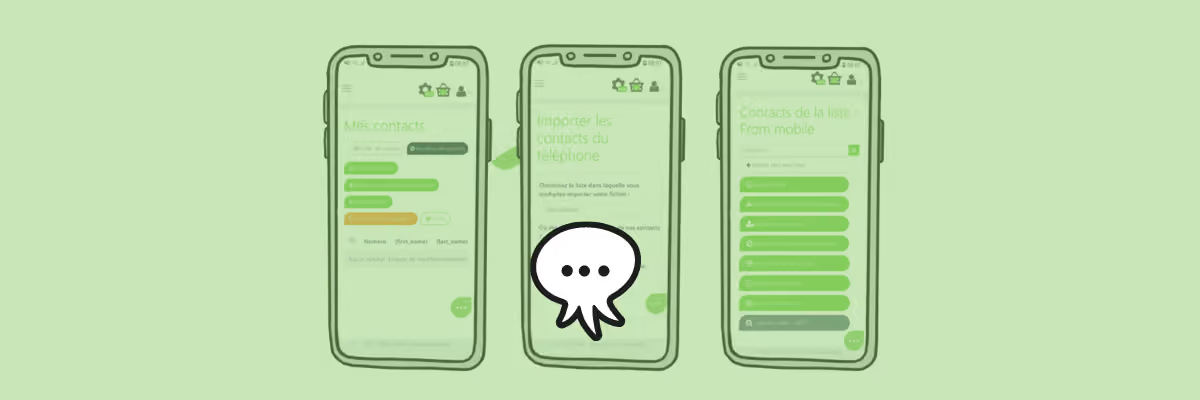
As an entrepreneur, you know all too well that potential clients show up when you least expect it, and sometimes you simply don't have the time to sit at your desk.
To keep up with your busy schedule, Octopush lets you transfer your contact list to your user platform directly from your mobile phone!
- Create an exclusive contact list or add to your existing ones.
- The list automatically adds your country code and identifies parameters like first and last names.
Use all the features you like on the contacts imported from your phone, such as:
- Sending SMS campaigns that are unforgettable, which you can create directly from your mobile.
- Editing your contacts from the platform, and adding parameters to personalize your messages using variables.
- Deleting unused or suspended numbers using our HLR Lookupservice.
- Blacklisting unwanted numbers.
How to import contacts from your mobile phone
- Log in to Octopush on your mobile device.
- Go to Contacts in the left-hand vertical menu.
- Tap “Import contacts from phone”.
That’s it!